Menu Accessibility: Making Digital Menus Work for Everyone
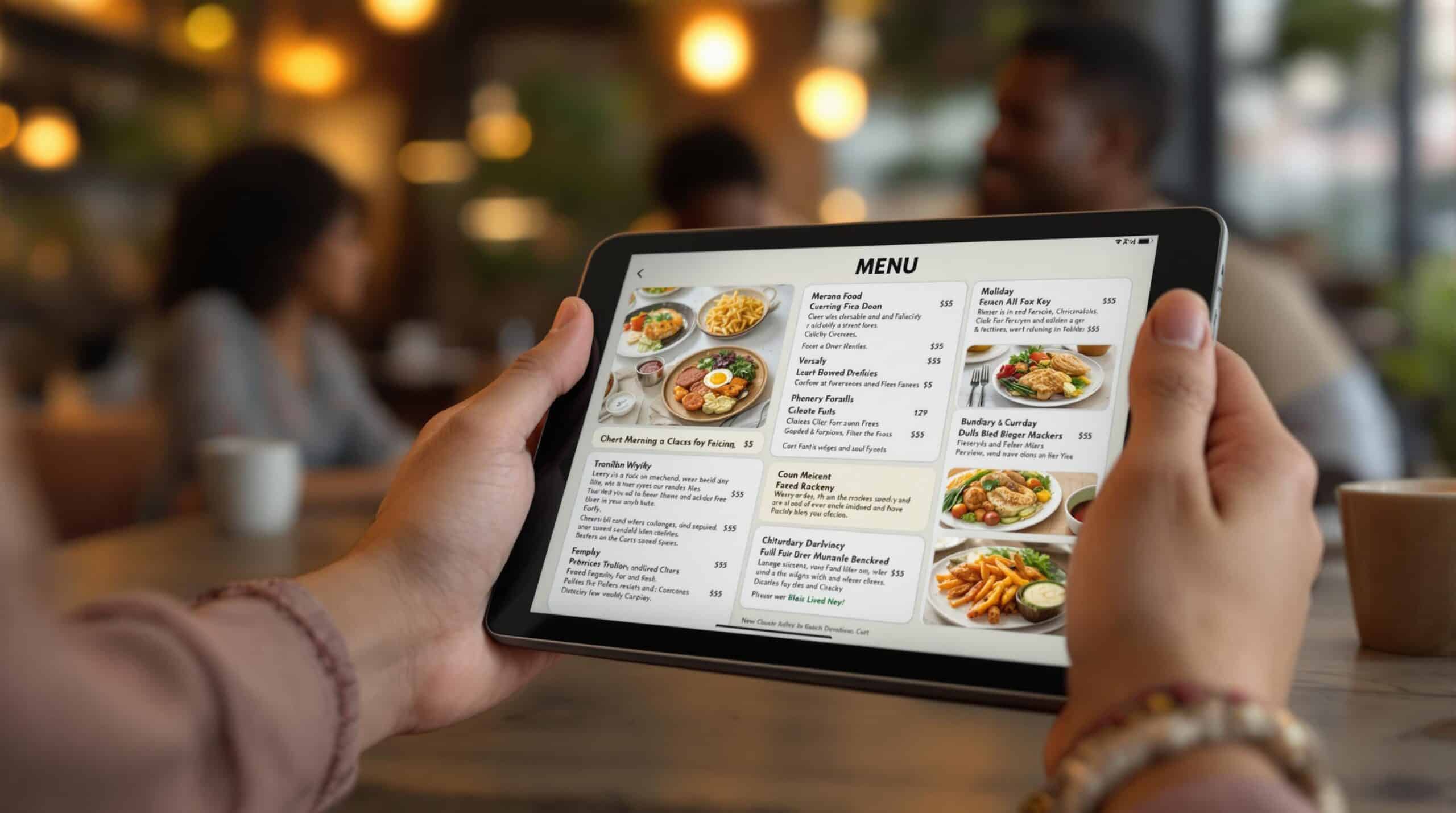
Introduction: Why Menu Accessibility Matters More Than Ever
Restaurants today serve a diverse range of customers with different needs, abilities, and preferences. As digital menus and QR codes become more common, accessibility is no longer optional—it’s essential. An accessible restaurant menu ensures that every guest, regardless of ability, can view, understand, and enjoy the menu without frustration.
Accessibility is not just about compliance or technology. It’s about hospitality. When digital menus are designed thoughtfully—especially once restaurants understand what a QR menu is—they improve comfort, confidence, and satisfaction for all customers, not just those with disabilities. Additionally, a focus on accessibility can enhance a restaurant’s reputation and encourage repeat visits.
This article explains what menu accessibility means, why it matters, and how restaurants can make digital menus work for everyone.
What Is an Accessible Restaurant Menu?
An accessible restaurant menu is a menu that can be easily used by people with:
- Visual impairments
- Motor limitations
- Cognitive challenges
- Hearing impairments
- Temporary limitations (injuries, poor lighting, low battery, etc.)
In digital form, accessibility focuses on readability, navigation, compatibility with assistive technology, and clear design. By adopting such considerations, restaurants underscore their commitment to good service and inclusivity.
Why Accessibility Is Critical for Digital Menus
Digital menus offer flexibility—but only if they’re usable. Customers expect to engage without barriers.
Key Reasons Accessibility Matters
- Expands your customer base: By enabling access for everyone, you may attract a wider audience.
- Improves overall user experience: A well-designed menu keeps customers happy and informed.
- Reduces confusion and frustration: Clear and accessible menus lead to smoother interactions.
- Supports inclusivity and brand trust: Customers appreciate businesses that prioritize accessibility.
- Often aligns with legal accessibility standards: Compliance can help avoid costly legal challenges.
An inaccessible digital menu can be just as frustrating as a menu written in tiny print. It’s vital for restaurant owners to recognize the impact of enhancing their menu’s accessibility.
Common Accessibility Problems in Digital Menus
Many digital menus unintentionally exclude users.
Frequent Issues Include
- Tiny text that can’t be resized
- Low color contrast
- Overcrowded layouts
- Menus that don’t work with screen readers
- QR menus that require multiple taps to navigate
These problems prevent a digital menu from being a truly accessible restaurant menu, leading to a negative experience for many diners.
How to Make Digital Menus Accessible for Everyone
1. Use Readable Font Sizes and Styles
Text should be easy to read on small screens.
Best practices:
- Use clear, sans-serif fonts
- Avoid decorative or script fonts
- Allow zooming without breaking the layout
Readable text is the foundation of an accessible restaurant menu, ensuring that all guests can focus on their meal choices rather than struggling with the text.
2. Ensure Strong Color Contrast
Low contrast is one of the biggest barriers to accessibility.
Good contrast means:
- Dark text on a light background or vice versa
- Avoiding light gray text
- Not relying on color alone to convey information
This helps users with low vision and improves readability for everyone, which aligns with the goals of providing a great dining experience.
3. Make Menus Screen-Reader Friendly
Some customers rely on screen readers to navigate digital content.
Accessible menus should:
- Use proper headings and structure
- Avoid images with text only
- Include text descriptions for images when possible
This ensures your accessible restaurant menu works with assistive technology, promoting better engagement and satisfaction.
4. Keep Navigation Simple
Complex menus are hard for all users—especially those with cognitive or motor challenges.
Simplify by:
- Limiting excessive scrolling
- Using clear categories
- Avoiding pop-ups or hidden menus
Simple navigation improves accessibility and speed, creating a more pleasant ordering experience.
5. Allow Easy Scrolling and Tapping
Buttons and links should be large enough to tap comfortably.
Design tips:
- Space out menu items
- Avoid tiny buttons
- Keep important actions easy to reach
This helps users with limited motor control and reduces errors, allowing diners to focus on their choices.
6. Clearly Display Allergens and Dietary Info
Accessibility also includes clarity around food needs.
An accessible restaurant menu should clearly label:
- Allergens
- Vegetarian and vegan options
- Gluten-free items
Clear labels help customers make safe choices without asking staff repeatedly, which enhances the overall dining experience and fosters a sense of trust.
QR Codes and Accessibility: What Restaurants Should Know
QR menus can be accessible—but only if implemented correctly.
Restaurants that follow a structured approach—such as a proper how to create a QR code menu—are far more likely to avoid common accessibility pitfalls, ultimately saving time and resources.
Best Practices for Accessible QR Menus
- Use large, high-contrast QR codes
- Add clear text like “Scan to View Menu”
- Ensure the menu opens without app downloads
- Keep load times fast
QR menus should never be the only option. It’s essential to recognize that while technology offers benefits, traditional methods also play a role.
Why Offering a Backup Menu Still Matters
Even the best digital menu won’t work for everyone.
Restaurants should always:
- Keep printed menus available
- Offer staff assistance when needed
True accessibility means giving customers choices, not enforcing a single solution. Clients value having multiple options when they dine out, contributing to their satisfaction.
Benefits of an Accessible Restaurant Menu
Improving accessibility helps everyone—not just a small group.
Key Benefits
- Better customer satisfaction: Happy customers are likely to return.
- Fewer questions and complaints: An easy-to-navigate menu reduces confusion.
- Faster ordering: Streamlined choices facilitate quick decisions.
- Stronger brand reputation: Customers remember businesses that prioritize inclusivity.
- More inclusive dining experience: Everyone deserves the opportunity to enjoy a meal out.
An accessible restaurant menu is simply better hospitality; it signifies respect for diverse needs.
Common Mistakes to Avoid
Avoid these accessibility pitfalls:
- Assuming everyone uses QR codes easily
- Using small text to “fit more items”
- Relying only on color for emphasis
- Forgetting to test menus on different devices
Testing with real users often reveals hidden issues—especially when menus are updated across multiple devices instantly. Continuous improvement should be the goal.
FAQs About Accessible Restaurant Menus
- What is an accessible restaurant menu? A menu designed so all customers can read and use it comfortably.
- Do digital menus need to be accessible? Yes. Accessibility is essential for digital experiences.
- Are QR menus accessible? They can be, if designed with accessibility in mind.
- Should restaurants still offer printed menus? Yes. Printed menus support accessibility and choice.
- Is accessibility expensive to implement? No. Most improvements are simple design choices.
- Does accessibility improve customer experience? Absolutely. Clear menus benefit everyone.
Conclusion: Accessibility Is Good Hospitality
Creating an accessible restaurant menu is not just about meeting standards—it’s about making every guest feel welcome. Digital menus offer powerful tools, but only when they’re designed thoughtfully and inclusively—from the moment restaurants learn how to design a QR menu customers actually use.
By focusing on readability, navigation, assistive compatibility, and customer choice, restaurants can ensure their menus truly work for everyone. In the end, accessibility isn’t a limitation—it’s a better way to serve all diners, enhancing their overall experience in ways that they will remember and appreciate during every visit.