Where to Place QR Codes for Maximum Scans
Introduction: Why QR Code Placement Matters More Than Design
Many restaurants focus on creating a great digital menu—but overlook one critical factor: placement. Even the best QR menu won’t be used if customers don’t see it, trust it, or find it easy to scan.
Smart qr code placement restaurant strategies can dramatically increase scan rates, speed up ordering, and reduce staff questions—especially when restaurants understand what a QR menu actually is and how guests interact with it in real dining situations. On the other hand, poor qr menu placement leads to confusion, hesitation, and frustrated guests.
This guide breaks down exactly where to place QR codes for maximum scans, based on real restaurant behavior and best practices.
How Customers Decide Whether to Scan a QR Code
Before diving into placement options, it helps to understand customer behavior.
Customers scan QR codes when:
- They see the code immediately
- It’s clearly meant for them
- Instructions are simple
- Scanning feels effortless
Good qr menu placement removes friction and hesitation at every step—something still driving adoption of contactless QR code menus today.
Best Places to Put QR Codes in Restaurants
1. Table QR Code Tents (Highest Scan Rates)
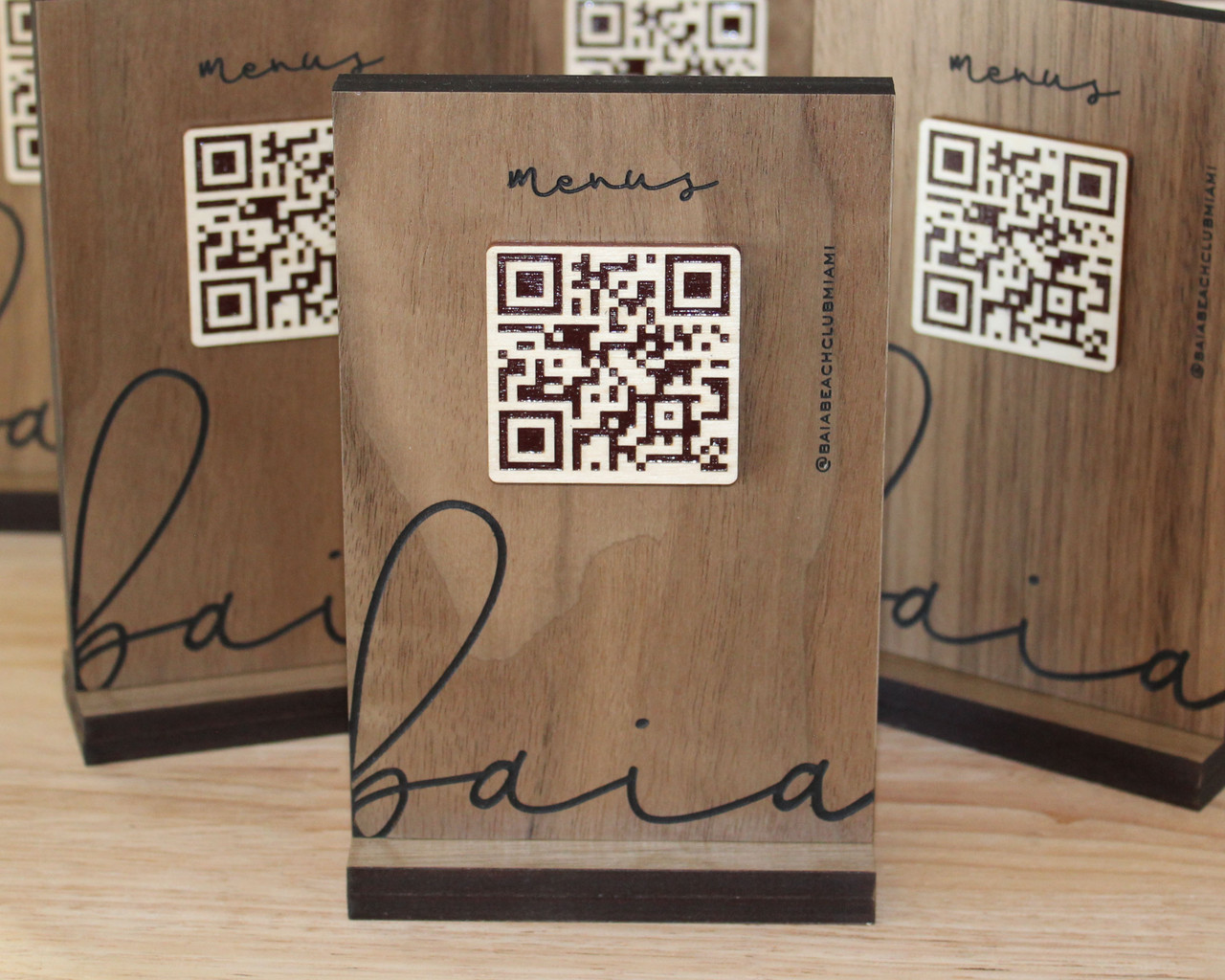
Table tents are the most effective qr code placement restaurant option for dine-in service.
Why They Work
- Directly in the customer’s line of sight
- No searching required
- Easy to scan while seated
Best Practices
- Place in the center or front edge of the table
- Keep it upright, not flat
- Use clear text like “Scan to View Menu”
If you can only choose one placement, table tents usually deliver the highest scan rates. This approach is also emphasized in the complete QR menu setup checklist for restaurants.
2. On the Table Surface (With Caution)
QR codes printed or stuck flat on tables can work—but they’re less ideal.
Pros
- Always present
- No extra stands needed
Cons
- Can be covered by plates or drinks
- Harder to scan due to glare
- Wear and tear over time
Flat placement works best as a backup to table tents, not a replacement.
3. Menu Covers (Hybrid Approach)
Restaurants that still use printed menus often add QR codes to menu covers.
Why This Works
- Customers already pick up menus
- QR feels like an optional upgrade
- Reduces resistance
This qr menu placement works well for restaurants transitioning from print to digital—especially those just learning how to create a QR code menu.
4. Wall Signs Near the Entrance
Wall signage is a strong secondary placement.
Best Use Cases
- Waiting areas
- Entry points
- Counter-service restaurants
Tips
- Place at eye level
- Keep QR codes large
- Avoid cluttered backgrounds
This placement encourages customers to scan before sitting down.
5. Countertops and Bars
Bars and counter-service restaurants benefit from countertop QR placement.
Why It Works
- Customers are already waiting
- Easy access while standing
- Reduces repeated menu questions
For bars especially, this qr code placement restaurant strategy speeds up ordering during busy hours.
6. Receipts and Takeaway Packaging
This placement is not for immediate ordering—but for repeat visits.
Best For
- Encouraging future scans
- Online menus
- Reorders
While not ideal for dine-in menus, it supports long-term engagement.
7. Digital Screens and Menu Boards
Some restaurants place QR codes on digital menu boards.
When It Works
- Quick-service restaurants
- Food courts
- Takeaway-focused locations
Customers can scan while reading the board, but codes must be large and clear.
QR Menu Placement Options Compared
| Placement Location | Visibility | Scan Ease | Best For |
|---|---|---|---|
| Table Tent | Very High | Very Easy | Dine-in |
| Table Surface | Medium | Medium | Backup |
| Menu Cover | Medium | Easy | Hybrid menus |
| Wall Sign | Medium | Easy | Entry & waiting |
| Counter/Bar | High | Easy | Bars & cafés |
| Receipt/Packaging | Low | Easy | Repeat visits |
| Digital Screens | Medium | Medium | Quick service |
This comparison helps identify the most effective qr menu placement for your setup.
Where NOT to Place QR Codes
Avoid these common placement mistakes:
- Under glass with glare
- Too close to table edges
- Near heat, spills, or food debris
- On cluttered surfaces
- Too small to scan easily
Bad placement is one of the fastest ways QR menus fail.
Design Tips That Improve Scan Rates
Even perfect qr code placement restaurant strategies fail without good design.
Always Include
- Clear instruction text
- High contrast (dark code, light background)
- Enough white space around the code
- A code size of at least 3 × 3 cm
Design and placement work together.
Accessibility and Backup Options
Not all customers want to scan QR codes.
Best practice:
- Keep printed menus available
- Train staff to assist politely
QR menus should be optional, not forced.
How to Test Your QR Menu Placement
Before rolling out across your restaurant:
- Sit at different tables
- Scan in low lighting
- Test with older phones
- Watch where customers naturally look
Real-world testing reveals issues quickly.
FAQs About QR Code Placement
1. What is the best qr code placement restaurant option? Table tents usually generate the most scans.
2. Can I place QR codes flat on tables? Yes, but upright displays work better.
3. Should QR codes be near the entrance? Yes, especially for counter-service restaurants.
4. How big should QR codes be? At least 3 × 3 cm for reliable scanning.
5. Do QR codes need instructions? Yes. Clear instructions significantly increase scans.
6. Should restaurants offer printed menus too? Yes, for accessibility and preference.
Conclusion: Visibility Drives Usage
The success of a QR menu depends less on technology and more on placement. Strategic qr code placement restaurant decisions ensure customers notice, trust, and use your QR menu without hesitation.
By focusing on high-visibility areas, clear instructions, and thoughtful qr menu placement, restaurants can maximize scans, speed up service, and reduce friction—without changing the menu itself.