Updating Menus for Special Events
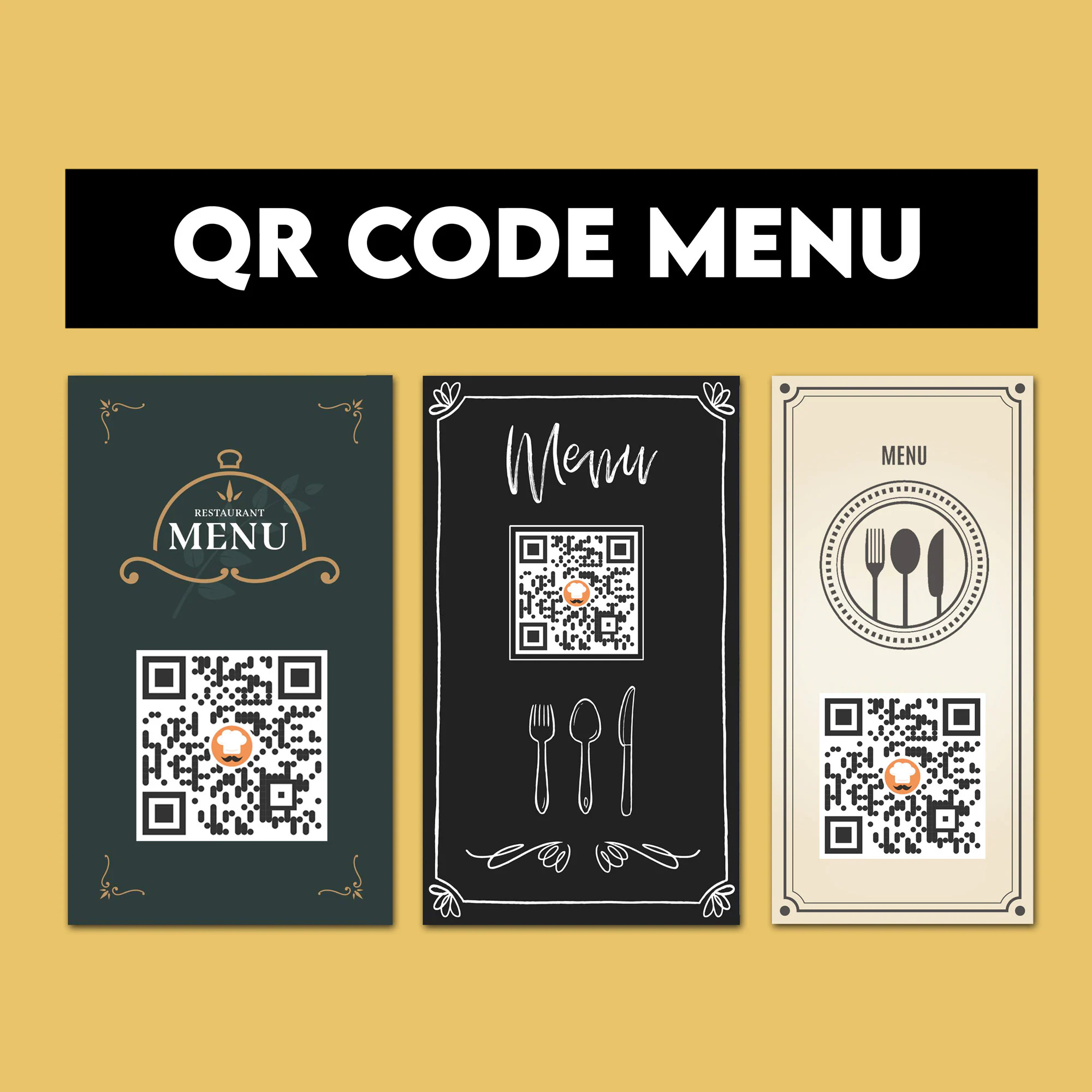
Introduction: Why Special Events Need Special Menus
Special events—such as private parties, holidays, tastings, live music nights, or corporate bookings—often require menus that differ significantly from your everyday offerings. These occasion-specific menus may come with altered prices, a limited selection of dishes, or even exclusive items crafted solely for the event. This customization ensures that your service stands out, enhancing the guest experience.
However, the challenge lies in speed and efficiency. Printing new menus for every event can be prohibitively expensive, time-consuming, and wasteful. Many restaurants are now turning to digital menus and QR menus as a means of managing event menus efficiently. Temporary menu QR solutions significantly streamline the process, allowing for quick updates and changes.
In this article, we'll delve into the best practices for updating menus for special events, explore what works effectively in real service conditions, and discuss how to avoid common pitfalls along the way.
What Is an Event Restaurant Menu?
An event restaurant menu is a temporary menu crafted for a specific occasion, audience, or purpose. Examples of such menus include:
- Wedding or birthday set menus
- Holiday menus (such as Valentine’s Day or New Year’s Eve)
- Tasting or prix fixe menus
- Live event or themed menus
- Corporate or group dining menus
These menus often need to appear and disappear quickly—sometimes within just a few hours—requiring a system that adapts to the fast-paced nature of event service.
Why Traditional Printed Menus Don’t Work for Events
Printed menus can create unnecessary friction during events for several reasons:
- Long lead times: Designing and printing new menus takes time, which can lead to delays.
- Inflexibility: Last-minute changes are nearly impossible without incurring extra costs or losing important details.
- Cost concerns: Printing menus for short-term use is expensive and not efficient.
- Waste: Discarding menus after the event creates unnecessary waste.
Events are dynamic, and traditional printed menus simply don’t provide the flexibility required to keep up.
How Temporary Menu QR Solves Event Menu Challenges
Employing a temporary menu QR allows restaurants to:
- Create event menus instantly: With just a few clicks, you can set up a special menu tailored to the occasion.
- Switch menus on and off as needed: Activate your event menu only when it’s required and deactivate it afterward to maintain clarity.
- Cut down on reprinting costs: Digital menus drastically reduce the need for costly printed materials.
- Make last-minute updates without stress: Adjustments can be made on-the-fly, ensuring your menu is always accurate.
This flexibility is exactly what the service-oriented world of events requires.
Best Ways to Update Menus for Special Events
1. Create a Dedicated Event Menu Version
Instead of editing your main menu, create a separate event version.
Why This Works:
- No risk of overwriting the regular menu, protecting your normal offerings.
- Easy to activate and deactivate as the event approaches and concludes.
- Cleaner organization aids in smoother service.
Having a dedicated event restaurant menu keeps operations simple and effective.
2. Use Temporary QR Codes or Links
For events, it’s often best to generate a unique QR code for easy access.
Benefits:
- Guests only see the specific event menu.
- No confusion with regular offerings ensures a seamless experience.
- Easy removal after the event reduces clutter.
Utilizing temporary menu QR codes helps achieve focus and clarity during the event.
3. Schedule Menus in Advance
Many digital menu systems enable you to schedule changes ahead of time.
Best Practice:
- Prepare your event menu days in advance to avoid last-minute scrambles.
- Set clear start and end times for when each menu will be active.
- Test everything before guests arrive to ensure functionality.
Scheduled updates significantly reduce stress during busy service times and mirror the same principles used for seasonal menu updates.
4. Simplify the Event Menu
Event menus are most effective when they maintain focus.
Event-Friendly Menu Tips:
- Include fewer items for simplicity.
- Clearly display pricing to avoid confusion.
- Limit customization options to speed up service.
- Use short descriptions to maintain brevity.
Simple menus not only speed up service but also reduce the likelihood of mistakes during events.
5. Clearly Label the Menu as “Event Menu”
Ensure that guests immediately recognize this is a special offering.
Clear Labels:
- “Tonight’s Event Menu”
- “Private Event Menu”
- “Holiday Special Menu”
Clear labeling is essential in preventing confusion and complaints.
6. Make Last-Minute Changes Without Panic
Events often require adjustments at the last second.
Common Last-Minute Adjustments:
- Handling sold-out items quickly.
- Making necessary ingredient substitutions.
- Tweaking prices to match the quality of your offerings.
A temporary menu QR allows for instant updates without confusion—especially when you how to update menus across multiple devices instantly with flexibility in mind.
7. Provide Printed Menus for Accessibility (Optional)
For formal gatherings or older audiences:
- Print a small number of event menus to accommodate those preferences.
- Ensure these match exactly to what is on the QR menu. This inclusive approach maintains a high-quality experience while staying flexible.
Event Restaurant Menu vs Regular Menu
| Feature | Regular Menu | Event Restaurant Menu |
|---|---|---|
| Duration | Ongoing | Temporary |
| Updates | Occasional | Frequent |
| Item Count | Large | Limited |
| Printing | Repeated | Often Avoided |
| Flexibility | Low | High |
Events demand agility—and digital menus deliver it without a doubt.
Types of Events That Benefit Most From QR Menus
QR-based event menus are ideal for a variety of settings, including:
- Private bookings
- Weddings and receptions
- Corporate events
- Pop-up dinners
- Holiday services
- Ticketed tastings
In any context where timing and accuracy matter, QR menus shine.
Common Mistakes When Managing Event Menus
Avoid these prevalent pitfalls:
- Mistakenly editing the main menu.
- Forgetting to switch menus back to regular after the event.
- Creating overcomplicated event menus that confuse staff and guests.
- Poor QR placement at the event leading to accessibility issues.
- Failing to test the menu prior to service.
Most event problems stem from a lack of preparation—not from technology itself.
Best Practices for Event Menu Success
To ensure success for every event:
- Design menus early to give yourself ample preparation time.
- Test on multiple phones to ensure accessibility for all guests.
- Assign a dedicated person to manage any updates throughout the event.
- Maintain simple designs that are easy to read.
- Clearly communicate any last-minute changes to staff members to prevent miscommunication.
Refer to a how to change menu prices without confusing customers to avoid errors amidst the high-pressure environment of event service.
Customer Experience During Events
Guests appreciate having:
- Clear choices available to them.
- Fast access to the menu items.
- No confusion regarding item availability or pricing.
A well-executed temporary menu QR keeps the focus on the event itself—not logistical challenges.
FAQs About Updating Menus for Special Events
What is an event restaurant menu?
A temporary menu created specifically for a certain occasion or event.Why use QR menus for events?
They are fast, flexible, and effortless to update, leading to a smoother event experience.Can event menus be changed during the event?
Absolutely—especially with the implementation of digital menus.Should event menus be simpler than regular menus?
Yes. Simplified offerings speed up service and enhance guest satisfaction.Do events still need printed menus?
In some cases, particularly for formal or accessibility needs, a printed option may still be beneficial.Can QR menus be reused for future events?
Yes. Templates can be reused to create efficiency in your future preparations.
Conclusion: Events Demand Flexibility—and QR Menus Deliver
In conclusion, special events do not allow room for delays, mistakes, or confusion. Restaurants that rely on printed menus often find themselves struggling to keep pace with last-minute changes and tight timelines.
By utilizing a well-organized event restaurant menu combined with a temporary menu QR, restaurants gain comprehensive control—before, during, and after the event. The result? Smoother service, increased guest satisfaction, and significantly less stress for staff members.
When menus can adapt as quickly as events evolve, everything runs more efficiently and delightfully.